

Project-based revenue is complex. Disconnected systems make it worse.
For Microsoft partners working with D365 Finance and Power Platform, one of the most powerful yet often under-explored integration scenarios is the seamless connection between D365 Project Operations and Finance. When done right, this dual-write integration transforms how project-driven organizations manage everything from resource planning to financial close, unifying the front‑office agility of Dataverse with the back‑office rigor of D365 Finance. Here’s a deep dive into what makes it work and why it’s a game-changer for your customers.

The foundation: Dual-Write as the nervous system
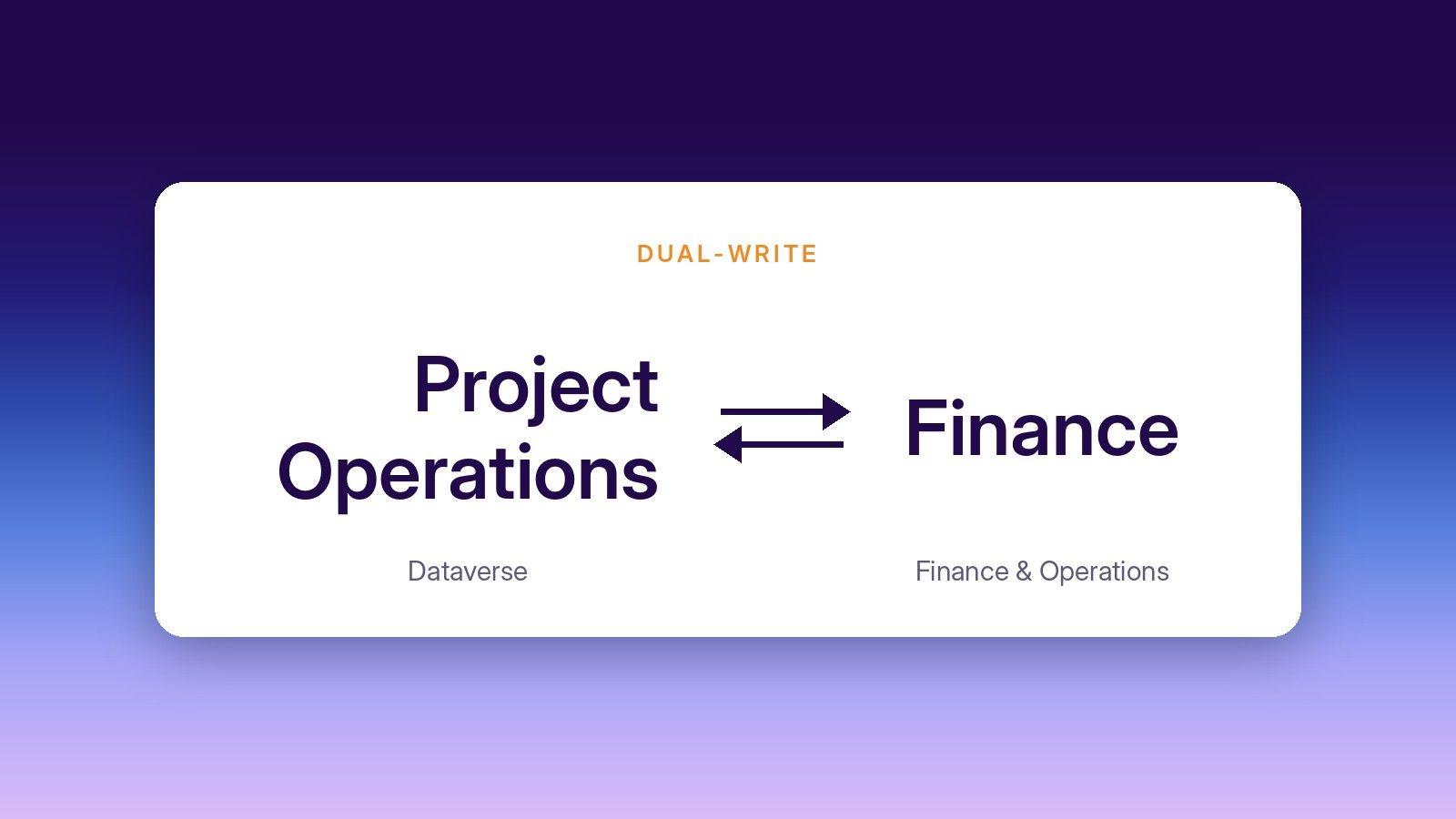
Dual-write does more than just move data, it creates a bi-directional, near‑real‑time bond between the Microsoft Dataverse and Finance & Operations. Critical entities like project contracts, contract lines, billing milestones, projects, and resources are continuously synchronized out of the box. This means a project manager entering a fixed‑price contract or an approved time entry in Project Operations instantly sees it reflected in Finance’s project management and accounting module, ready for financial processing.

Path – D365 F&O -> System administration -> Workspaces -> Data management -> Dual write
Getting this foundation right requires a methodical approach:
- Environment alignment: Both apps must reside in the same tenant, on compatible release waves.
- Master data hygiene: Customers, vendors, price lists, financial dimensions, and tax groups must be mapped and kept consistent on both sides. This is often where rushed implementations stumble.
- Data ownership boundaries: We treat Project Operations as the master for operational contracts and project structures, while Finance remains the source of truth for accounting rules, revenue recognition policies, and tax logic.
The billing lifecycle in practice
The integration’s true value shines in the billing process. Here’s the high‑level flow:
- Contract setup & billing rules
In Project Operations, contracts are created with either Time & Material or Fixed Price / Milestone‑based billing. Milestone definitions and invoice schedules are attached to the project’s task billing setup. When dual-write synchronizes these to Finance, accounting distributions and tax policies are automatically applied, readying them for financial posting without re-entry.

Path – D365 PO -> Projects Contract -> Project
- Transaction capture & approval
Consultants log time and expenses directly in Project Operations. These entries are approved against the contract terms. As soon as they’re approved, they flow via dual-write into Finance’s project invoice proposal engine.

Path – D365 PO -> Sales -> Transactions -> Approved Time
- Invoice generation & compliance enforcement
When user clicks Confirm on the invoice form, Project Operations finalizes the invoice and locks it as read-only. The system then generates billed sales actuals for GL integration and updates the invoice status from Draft to Confirmed.

Path – D365 PO -> Sales -> Billing -> Invoices
After an invoice is confirmed in Project Operations, it automatically flows through and appears in the Finance. The invoice proposal honors the organization’s sales tax regulations, ledger dimensions, and revenue recognition rules (critical for both T&M and milestone‑based arrangements).

Path – D365 F&O -> Project Management and accounting -> Project Invoices -> Project Invoice Proposals

Path – D365 F&O -> Project Management and accounting -> Project Invoices -> Project Invoice Proposals -> Totals
The finance team reviews the draft invoice total, adjusts if needed, and then posts. This action finalizes the project invoice proposal, so it becomes a legal financial document, ensuring the general ledger and customer accounts are updated.
- End to end visibility
The feedback loop back to Project Operations is automatic: invoice statuses become visible in the project manager’s dashboard, and standard invoice summary reports give a consolidated view of billing performance, profitability, and resource utilization.
Why this matters for partners
If you’re a systems integrator or an ISV extending Finance & Operations and Power Platform capabilities, the Project Operations billing integration is a high‑demand competency. Clients with project‑based revenue models (professional services, engineering, and construction) desperately need this unification to replace fragmented spreadsheets and disjointed systems.
Mastering this integration means you can:
- Accelerate deployments by pre-empting common data mismatches and dual-write mapping pitfalls.
- Offer advanced value-adds, like custom workflow extensions, integration with CE-based sales processes, or Power BI reports that merge project profitability with financial actuals.
- Reduce risk and support costs by establishing a robust testing framework that validates synchronization in sandbox environments before go live.
How we help partners succeed
At Companial, we don’t just configure dual write, we architect end‑to‑end solutions. Our team brings battle‑tested experience in:
- Setting up dual-write at scale, including complex mapping of financial dimensions and resolution of initial sync conflicts.
- Extending the framework using the Data Management Framework and Power Automate when out of box flows need subtle tweaking.
- Training and enabling partner delivery teams to own the integration after we’ve laid the groundwork.
Whether you’re looking to co‑deliver a Project Operations to Finance engagement or want to white‑label our expertise, we’re eager to connect. A simple conversation can uncover how this integration could unlock new revenue streams for your practice.
Let’s talk. Reach out to explore how we can build a unified project‑to‑cash story for your customers.