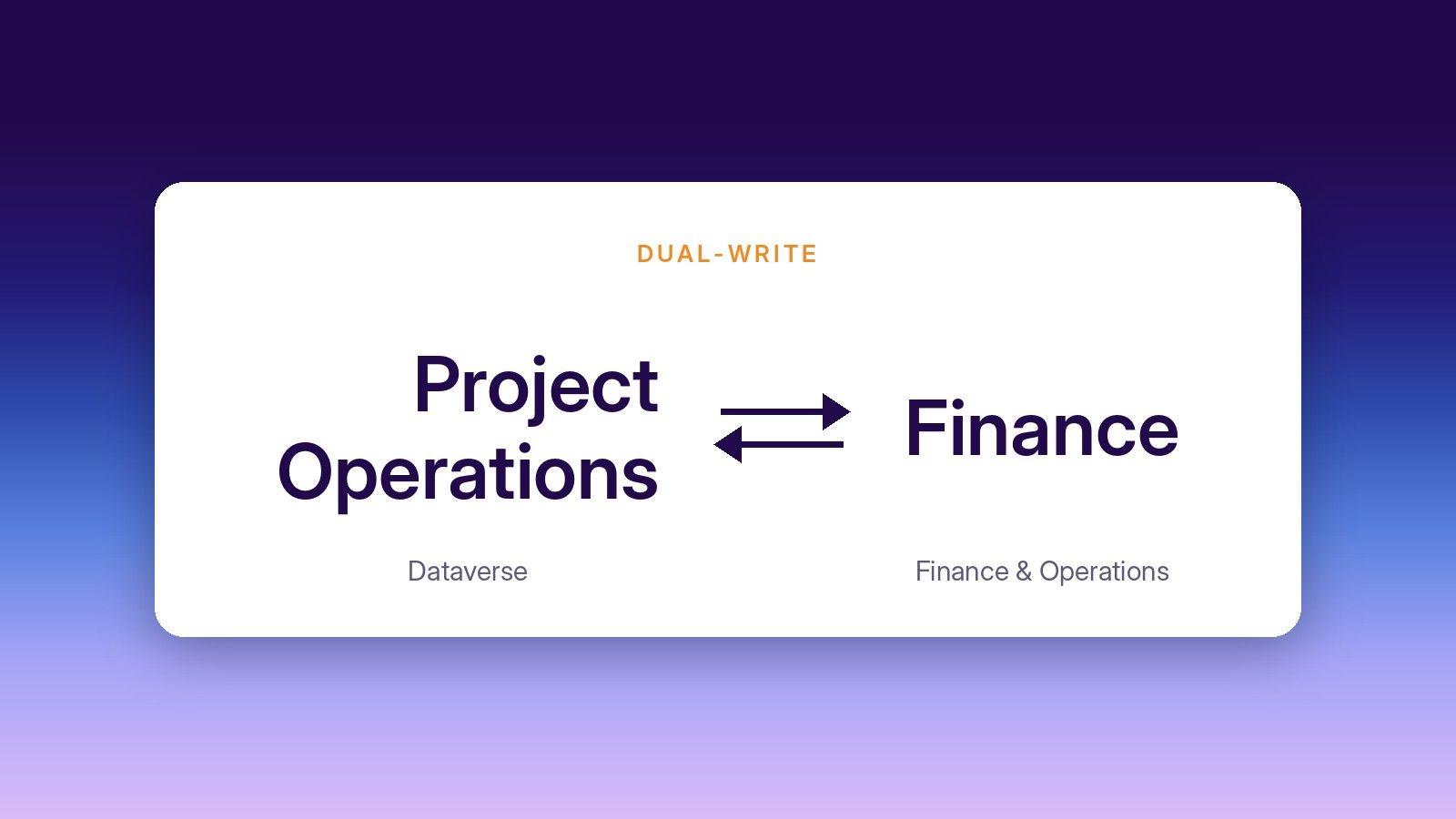



Many organizations that are still running Dynamics AX2012 are actively planning their migration to Dynamics 365 Finance and Supply Chain Management shortly. They may even have already had their current legacy codebase analyzed and relevant customizations evaluated to be moved to the newest version. However, there are technical challenges that need to be overcome in making the Dynamics AX2012 to Dynamics 365 Finance and Supply Chain Management intercompany integration flow work successfully, and overcoming those challenges requires significant effort.
Based on our extensive experience with Dynamics AX to Dynamics 365 Finance and Supply Chain Management migration projects, we’re going to share how to overcome relevant intercompany integration flow challenges while using recommended integration patterns and various Microsoft Azure Stack technologies.

Why Integrate Dynamics AX2012 and Dynamics 365 Finance and Supply Chain Management?
Typically, with migrations to Dynamics 365 (especially in the case of global organizations), you execute the migration company by company or region by region. If you have already rolled out Dynamics 365 in, for example, in Sweden, but the other companies are still on the AX2012, that creates a gap between those two systems. Dynamics AX2012 and Dynamics 365 F&SCM have a very effective intercompany process inside the application, so if both companies are in the same system, the Danish company can place a sales order or sell inventory which is in the Swedish company, and the system will take care of the necessary processes of sales order, inventory, invoicing – everything.
Now, let’s assume we’ve migrated Sweden to Dynamics 365, but Denmark, Norway, and Finland are still in the AX 2012. That intercompany link is now broken because companies are no longer in a single system and no connection between these companies can be made anymore. As we have helped our partners to solve this problem in multiple projects already, the most successful solution we’ve found is to build intermediate integration to mimic the standard intercompany process. In our proposed solution, the standard intercompany logic is used on both systems and integration is used to connect data flows between companies that are on AX2012 and Dynamics 365.
What are the specific Requirements for the integration?
If we are talking about intercompany integration, Dynamics 365 and AX2012 should be integrated in near real-time to avoid disruptions for users. Therefore, the system should take care of inventory and invoicing, and that should be in near real-time. Another requirement is that as we are building an intermediate solution that will be scrapped as soon as every company is on the new system, the integration should cost as little as possible, and should not add large subscription fees. Also, usability-wise, users should have as little impact as possible, but at the same time, the integration should be able to handle at least 10,000 sales orders per day, which is quite a volume.
Integration Challenges
Before we start digging into the challenges of integrating Dynamics AX and Dynamics 365 Finance and Supply Chain Management, let’s take a look at their main differences:
| AX2012 | Dynamics 365 F&SCM |
|---|---|
| 11 years old on-premise ERP system | The latest and greatest cloud-hosted ERP system |
On the left side, we have AX2012 – the old on-premises ERP system, built to be hosted on local networks. On the other side, we have Dynamics 365 F&SCM – the latest and greatest cloud-hosted ERP system that’s designed to run with other applications using Azure authentication and the whole internet that’s available there.
What challenges did we face?
- Systems are running on different networks: on-premises vs Azure.
- Even though both applications are running on different networks, the communication channel between on-prem and Dynamics 365 (which is everywhere in the cloud) must be secured. We cannot just open AX2012 to the whole internet, so we have to make it only available for Azure integrations and do it most safely.
- Integration technologies do not match between systems. Dynamics 365 has all data as business events while Dynamics AX2012 has SOAP Integrations, which is an aged technology.
- Integrations must be near real-time as we're talking about placing sales holders in real-time.
- Users should not experience waiting time while systems communicate.
Integration Technologies
As we discovered, there are many different challenges to be solved. So how did we pick the right technologies to solve these problems?
| Technology used | Purpose |
|---|---|
| Azure AD Application proxy | To make AX2012 available for Azure. This is the solution that might be helpful if you have to expose AX2012 for your modern applications (PowerApps, LogicApps or Dynamics 365 as in our case). |
| Custom AIF services | To build efficient APIs and for integration to be as efficient as possible. |
| Business events | To not make users wait. Whenever there’s no requirement for integration to be synchronous, you should use asynchronous integration patterns. Business events allow you to send messages and trigger integrations asynchronously – the user can continue his work while integrations work in the background. |
| Direct AX2012 AIF and Dynamics 365 custom service calls | To integrate synchronously between systems (when needed). |
| Azure Functions | To have an efficient middleware solution and save costs. It allows you to build completely tailor-made middleware solutions. The code is straightforward as it’s just a proxy, so at the same time you can build code quite easily, and have a tailor-made middleware solution with little running costs. |
Lessons learned
- You must define integration flows very clearly. It’s important to figure out what type of information has to be exchanged in the integration before starting to build the integration itself.
- When you have integration flows defined, you should evaluate synchronous vs asynchronous patterns for every integration flow. Keep in mind that synchronous is usually more expensive, more difficult to build, and very sensitive to performance. Therefore, you should really think about whether you need a synchronous pattern in your scenario or whether you can resort to asynchronous integration patterns.
- Plan carefully, as with so many integration technologies in Dynamics 365 and Azure as it’s easy to get lost very quickly. It’s important to pick the right technology for the right integration and the right piece of the integration that you’re building to achieve the best result, both performance- and cost-wise.
Recommended Integration Patterns – Which One to Choose?
Let’s go through the Dynamics 365 integration patterns and look at the possibilities for Dynamics 365 to determine what pattern you should use where.
OData
OData is usually used when we are talking about real-time integration (both read and write). Also, it is used when simplified business logic is needed on the integrating application. So, if you want to give similar information that you’re entering by hand in the system, OData is a good option as it has a similar business logic to validate data, create related data, etc. Another good reason to use OData is if you need to integrate standard data with Dynamics 365 F&O, such as vendors, customers, etc. There are more than 1500 OData entities already available in out-of-the-box solution and you don’t need to develop anything on Dynamics 365 to integrate such data. That saves you a lot of costs when building the integration.
Examples of when to use OData:
- If you have a sales portal and you want to create or update sales orders from that sales portal in Dynamics 365, OData is a good choice. You need this in real-time as your on-hand inventory/reservations depend on it.
- If you have a sales portal and you want to get the customer information in real-time, perhaps because your users change customer information quite frequently in Dynamics, again OData is the technology to use.
- If you need to approve journals, OData has actions that allow you to execute specific business logic that's related to a specific action. For example, from an external system, (although it usually has custom code), there are standard actions on OData and it's already available, if not - there are also additional actions that you can code yourself.
What needs to be considered before using OData is that OData tends to be slow. Keep that limitation in mind, especially if you have high-volume integration.
Custom Service
This one is my personal favorite, but of course, it has both drawbacks and advantages. Custom service is used when complex data processing is required (both to read and write). A good reason to choose custom service APIs is when the API must have extremely good performance. Building a custom service means writing the service code yourself, which gives the developer full control of the code that’s been executed. You can have extremely good performance if you build that code right. Another reason to choose custom service is if you have to build an API with the simplest parameters possible because you have full control of the parameters that are required to call service.
Examples of when to use custom service:
- The on-hand inventory lookup.
- When you need to post (for example) a sales invoice for a specific order or maybe a specific quantity, but you only have three parameters in your system. With so little information, we need a lot of business logic, and you’re going to build that in custom service.
A clear disadvantage of custom service is development cost. When we’re talking about customizations & building it’s going to cost more, but usually it is worth it because your integration will work faster.
Keep in mind that if you are migrating from the AX2012 and you had custom APIs there, you can just copy-paste a code that’s going to run Dynamics 365 – in migration scenarios this approach is a major cost-saver.
Batch Data Integrations
If your integration scenario allows an asynchronous pattern, you should go with batch data APIs. So when should you choose batch data integration?
Generally, there are two major use cases. First, when large volumes of data are required to be transported in or out of Dynamics 365. Second, when Integrations are executed periodically and allow incremental updates. If, for example, you have an integration that needs incremental updates because it has changed tracking, and you want to synchronize only the customers that have changed since the last update, you’re doing incremental pushes every 15 minutes. That’s where batch data APIs shine.
Examples of when to use batch data integrations:
- If you have an external system that maintains a database of customers that you have in Dynamics 365, you can use Batch data API. You can query Dynamics to provide Deltas of customers every 10 minutes, and it works quite nicely – first, you query Dynamics to prepare a data package with customers that have changed in the last 10 minutes. After making this request, you can query dynamics for the data package preparation status. As soon as the data package is ready, you can download the data package with the data you have required (changed customers in the last 10 minutes) and upload the data to your system.
- If you don't want to integrate sales orders in real-time - maybe you have on-hand integration that's checking on-hand quantities in real-time but you have such high volumes of sales orders that OData is not an option. In that scenario, you're going to build a package with those sales orders instead of sending them one by one synchronously. With the Data package API, you can upload those packages with sales orders asynchronously at an interval that works best for you – maybe every hour or maybe only a few times per day.
That’s a great pattern, and my advice is to use it as much as you can because it is quite efficient, and with some negotiating with business requirements, it’s usually possible to not have a real-time integration and only use data packages to push data in and out. That way you’re keeping the system optimized, you’re not overloading the system with synchronous calls, and at the same time, you’re able to process and integrate large volumes of data.
External Services
External services are used when Dynamics 365 is a driving force behind integration. Quite simply, this pattern is used when Dynamics 365 should call some external system.
Examples of when to use external services:
- If you want to have exchange rates from different providers, then you should call external services.
- If you need to send invoices or VAT declarations to the government (i.e TAX authorities), you just need to call it using Dynamics 365 code directly, as they have APIs.
We hope this gives you some ideas to help solve any current challenges you have in your Dynamics projects.
We're here to exceed your expectations!
If you need any help with migrating Dynamics 365 or with building Dynamics 365 solutions for your customers – get in touch. You can reach out to us via service@companial.com In case you’ve missed the webinar, you can watch the full recording here.