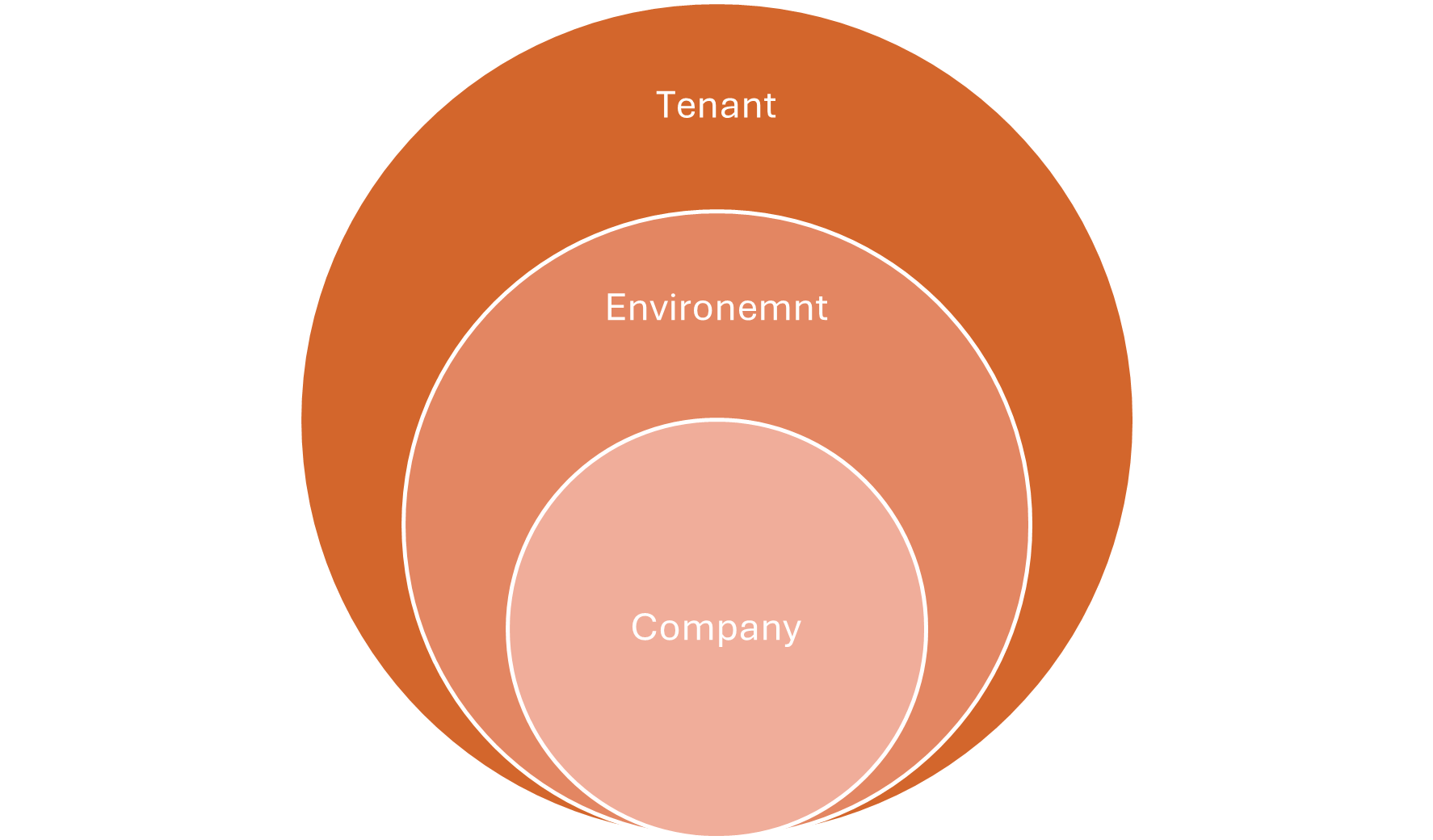
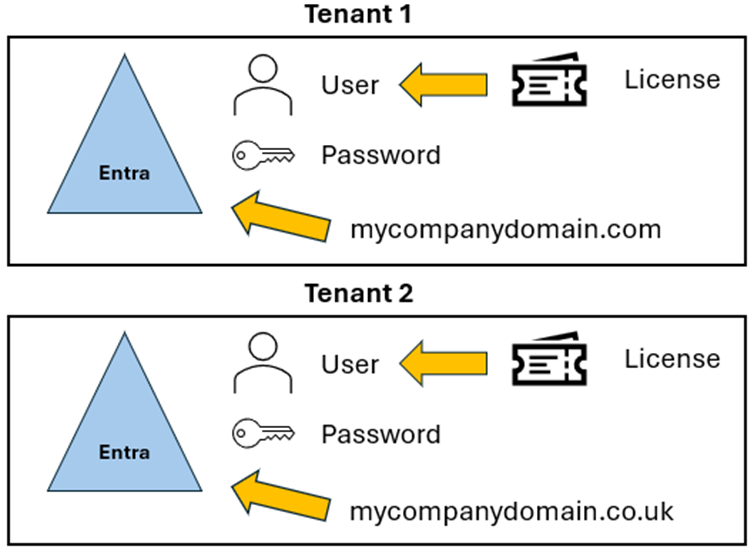
Congratulations on making it this far! Now let’s talk about Environments. Within a Tenant, an Environment is a space where specific resources, apps, or services are isolated and configured for different purposes, like development, testing, or production. While commonly used in Dynamics 365 for Business Central or Power Platform apps, Environments are also used in other Azure resources to organize and control services like databases or virtual machines.
In Business Central, there are two basic types of Environments: Production and Sandbox. Production environments are for live, operational use, while Sandbox environments can be used for development, testing, or training (more on this later). Production environments have higher performance and are backed up regularly, as they contain critical data.
You can’t purchase a Sandbox environment on its own—it’s packaged with Production environments. For every Production environment you purchase, you receive three Sandbox environments. Unfortunately, Sandbox environments cannot be bought separately.
When you create an Environment, you must associate it with a country. Only countries where Business Central is available can be selected. Choosing the correct country ensures that the version of Business Central deployed complies with local legislation, tax regulations, and accounting standards specific to that region.
Additionally, the selected country determines the Azure datacenter where the Environment will be hosted. For instance, the only datacenter in Africa is in South Africa, so environments for Namibia, Botswana, or Zimbabwe will be hosted in South Africa. If you’re operating in the US, for example, and select the US as the country for your Environment, it will be hosted in a US datacenter, ensuring minimal latency for users in that region.
I often find that many misunderstand this point, thinking that data for all countries in a multi-national deployment is hosted in one datacenter. In reality, each country has its own production Environment in its closest datacenter.